 From the previous tutorial, we have learned to make Mixed Smoke Effects And Color Effects, for this tutorial we will learn to colorize the face with the color circle that has been so, or logo color, you can download the rainbow color circle in google and already provided for free.
Everyone is entitled to learn Photoshop, including you!
Showing posts with label Tutorials Photoshop. Show all posts
Showing posts with label Tutorials Photoshop. Show all posts
Colored Face Effects In Photoshop
From the previous tutorial, we have learned to make Mixed Smoke Effects And Color Effects, for this tutorial we will learn to colorize the face with the color circle that has been so, or logo color, you can download the rainbow color circle in google and already provided for free.Mixed Smoke Effects And Color Effects
 In this tutorial, we will learn to create smoke effects with Photoshop! The first step you should do, you must have the material we will make the effect. The basic ingredients are "smoke images", but just calm the material I mean is not hard to find, you can search on Google and have been provided with for free.
Water Logo Effect In Photoshop
 From the previous tutorial I have made Disintegration Effect In Photoshop and for this tutorial I will give you a new tutorial that I named the Water Logo Effect In Photoshop, in this tutorial I use Photoshop cs6, you can also use Photoshop cs4 or Photoshop Cc.
Disintegration Effect In Photoshop

Subtract The Galaxy Effect
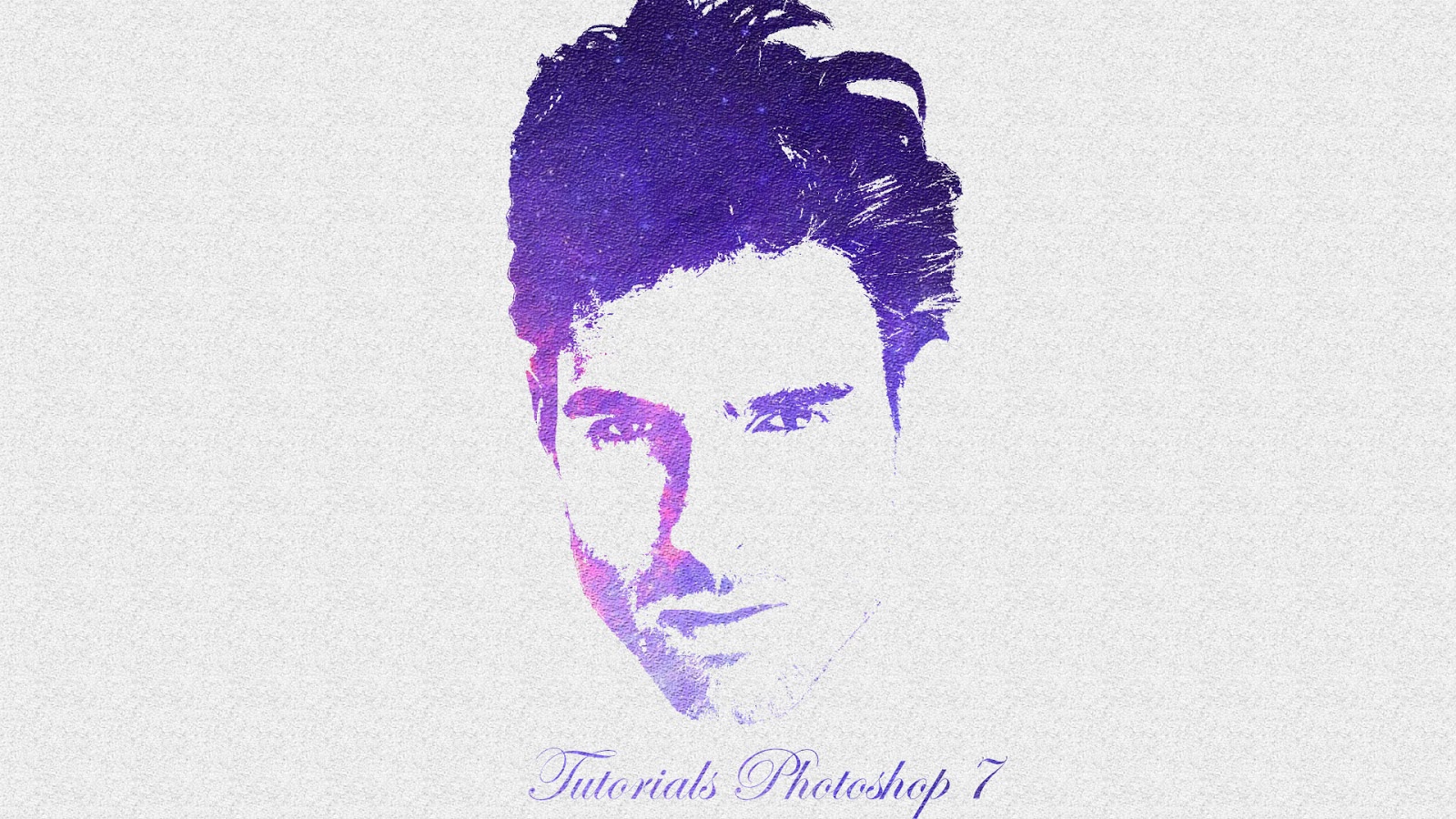 The effect of this time is different from the previous effect, because you need the right material to make the effect, therefore you must have a galaxy image, you can download in Google or Google Image Downloader, after the material you have prepared can be instantly view. Tutorial. Below and you can also see the tutorial, before this in the home menu like Blue Eye Effect In Photoshop tutorial and much more.
 Blue Eye Effect In Photoshop

In this Photoshop tutorial, we'll learn how to easily give someone a full Foreground blue eyes! I will use Photoshop CS6 here but every step is also compatible with Photoshop CC.